Text and data4 min read
How to convert CSV to JSON
Turn a simple CSV table into JSON, and learn what to check before you use the new file.
Published
The short answer
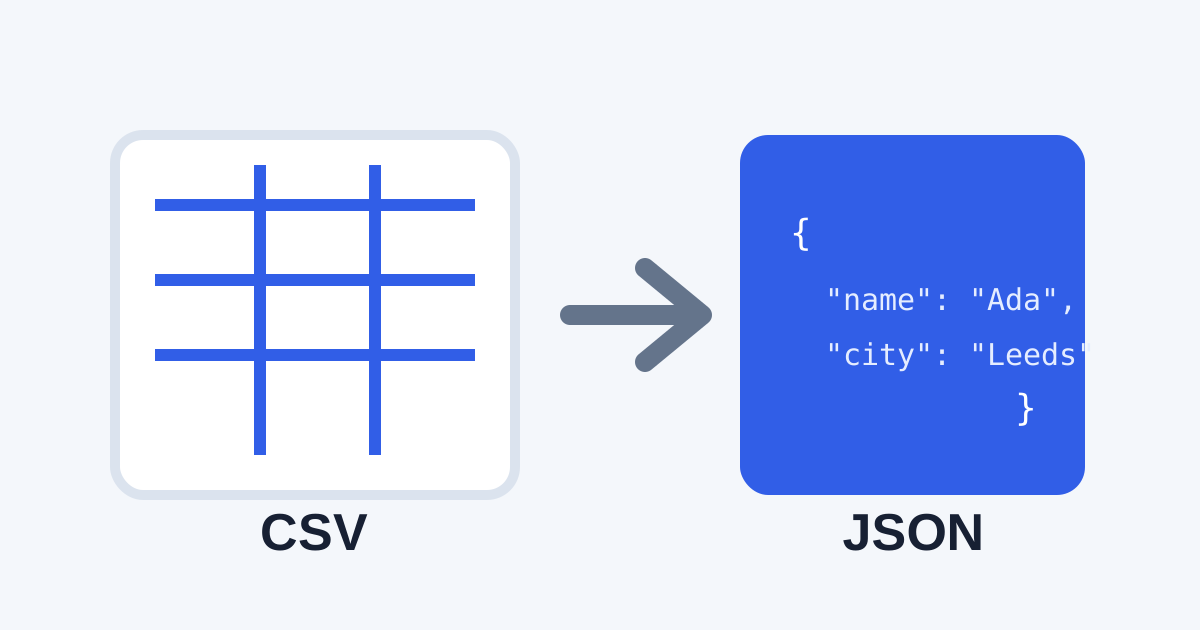
Convert CSV to JSON when you need structured data for an app, script, or API. CSV is easy to open as a table. JSON is easier for software to read as named fields.
CSV and JSON do different jobs
A CSV file stores rows and columns. It is common in spreadsheets and exports.
A JSON file stores named values. It is common in web apps and data tools.
| Format | Best for | Looks like |
|---|---|---|
| CSV | Tables and spreadsheet exports | Rows with commas |
| JSON | Apps, APIs, and structured data | Named fields in braces |
Convert CSV to JSON in Convert My
- Drop your
.csvfile into Convert My. - Choose JSON.
- Select Convert & download.
The conversion stays in your browser. Your data is not uploaded to a conversion server.
Check your columns first
Before you convert, open the CSV and check:
- the first row has clear column names
- each row has the same number of columns
- commas inside text are quoted correctly
- dates and numbers use a format your next tool understands
After conversion
Open the JSON file in a text editor or the tool that needs it. Look for clear field names and the expected number of records.