Audio formats4 min read
WAV vs MP3: which audio format should you choose?
A plain-language guide to choosing WAV or MP3 for recording, editing, and sharing audio.
Published
The short answer
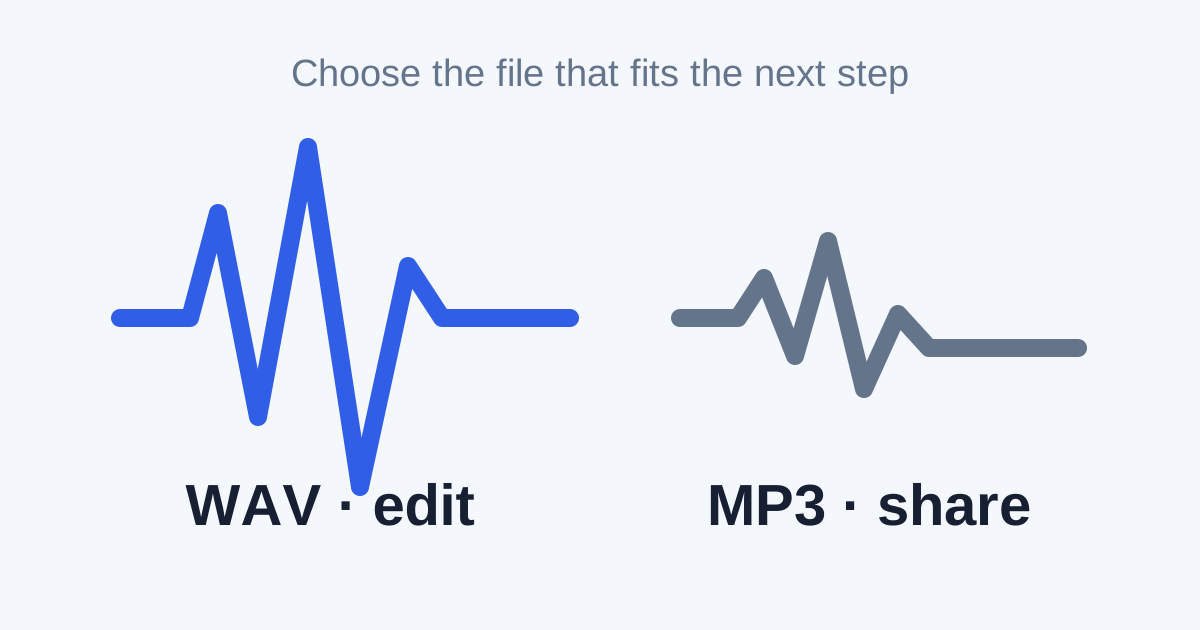
- Use WAV when you need an audio file for recording or editing.
- Use MP3 when you need a smaller file to share or store.
- Keep the WAV original if you may edit the audio again later.
Why WAV files are larger
WAV is often used for uncompressed audio. That means it can keep more of the original sound data. The file size is usually larger.
WAV is useful for:
- recording
- audio editing
- keeping a working copy of a project
Why MP3 files are smaller
MP3 uses compression to reduce file size. It is useful for music, voice notes, and everyday sharing.
MP3 is useful for:
- sending audio to someone
- saving space on a device
- playing audio in many common apps
Quick comparison
| Need | Better choice | Why |
|---|---|---|
| Edit audio later | WAV | Keeps a fuller working file |
| Send a voice file | MP3 | Usually much smaller |
| Store a project original | WAV | Better starting point for future edits |
| Put audio on a phone | MP3 | Common and space-friendly |
Convert WAV to MP3 or MP3 to WAV
In Convert My, drop the audio file, choose a supported output, and download the result.
Changing an MP3 into WAV does not restore lost sound data. It can still be useful when another tool only accepts WAV.